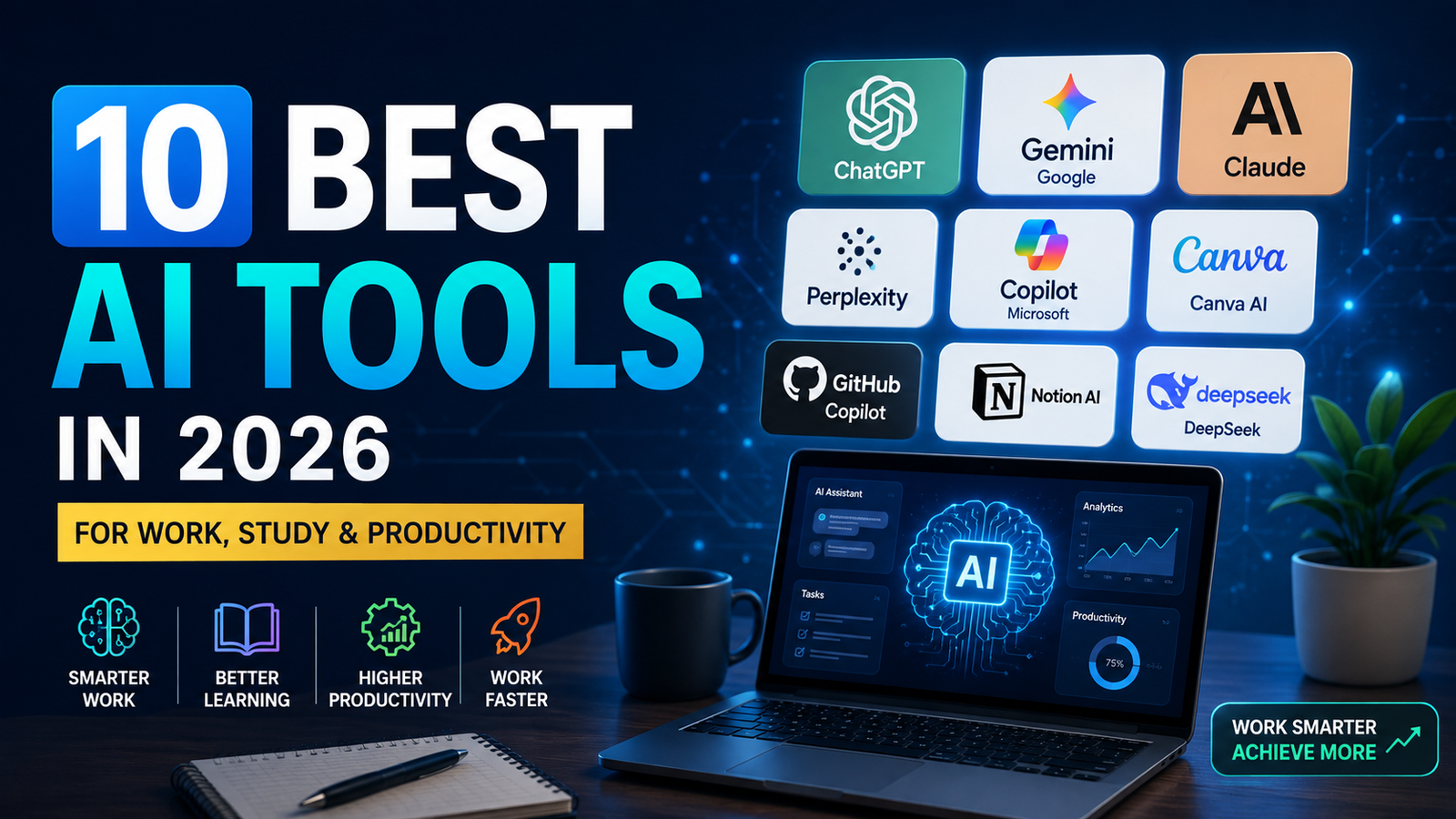
10 Best AI Tools in 2026 for Work, Study, Coding & Productivity
Artificial Intelligence is rapidly changing how we work, study, create content, write code, conduct research and manage everyday tasks. In 2026, AI tools are no longer limited to technology professionals—students, job seekers, creators, developers and businesses are using them to save time and improve productivity.
From AI assistants that can answer complex questions to tools for coding, research, writing, design and workplace productivity, there are now hundreds of options available. However, choosing the right AI tool can be confusing.
In this guide, we explore 10 of the best AI tools in 2026, what each tool is best used for, and how you can choose the right one for your work, studies or personal projects.
What Are AI Tools?
AI tools are software applications that use artificial intelligence technologies to perform tasks that normally require human intelligence. Depending on the tool, they can generate text and images, analyze information, assist with coding, summarize documents, answer questions, automate repetitive work and support research or decision-making.
Modern AI tools are increasingly designed to work as everyday assistants rather than specialist software. This makes them useful for students, professionals, developers, content creators, researchers and businesses.
10 Best AI Tools in 2026
The best AI tool depends on what you want to accomplish. Some tools are designed as general-purpose AI assistants, while others specialize in research, coding, writing, design or productivity. Below are 10 AI tools worth exploring in 2026 and the areas where each one is most useful.
| AI Tool | Best For | Free Option | Ideal Users |
|---|---|---|---|
| ChatGPT | General AI & productivity | Yes | Students, professionals, creators |
| Google Gemini | Google ecosystem & multimodal AI | Yes | Students & Google users |
| Claude | Writing & document analysis | Yes | Writers, researchers, professionals |
| Perplexity | AI-powered research | Yes | Students & researchers |
| Microsoft Copilot | Workplace productivity | Yes | Microsoft users & professionals |
| Canva AI | Design & content creation | Yes | Creators & marketers |
| GitHub Copilot | Coding assistance | Limited/varies | Developers |
| Notion AI | Notes & productivity | Limited/varies | Students & teams |
| Grammarly | Writing assistance | Yes | Students & professionals |
| DeepSeek | AI reasoning & coding | Yes | Developers & AI users |
ChatGPT — Best Overall AI Assistant
Best for: General productivity, writing, learning, brainstorming, research assistance and coding.
ChatGPT is a general-purpose AI assistant that can help users with a wide range of everyday and professional tasks. It can explain complex topics, draft and improve content, summarize information, assist with coding, analyze documents and data, brainstorm ideas, and support learning and problem-solving.
For students, it can be useful for understanding difficult concepts, creating study notes and practicing questions. Professionals can use it for drafting emails, reports, presentations and analyzing information, while creators can use it for brainstorming, content planning and creative work.
Its broad range of capabilities makes ChatGPT a strong option for users who want one AI assistant that can support many different types of tasks.
Key uses: Writing • Learning • Coding • Research • Data analysis • Brainstorming • Productivity
Official website: Visit ChatGPT
Google Gemini — Best for Google Ecosystem
Best for: General productivity, writing, learning, brainstorming, research assistance and coding.
ChatGPT is a general-purpose AI assistant that can help users with a wide range of everyday and professional tasks. It can explain complex topics, draft and improve content, summarize information, assist with coding, analyze documents and data, brainstorm ideas, and support learning and problem-solving.
For students, it can be useful for understanding difficult concepts, creating study notes and practicing questions. Professionals can use it for drafting emails, reports, presentations and analyzing information, while creators can use it for brainstorming, content planning and creative work.
Its broad range of capabilities makes ChatGPT a strong option for users who want one AI assistant that can support many different types of tasks.
Key uses: Writing • Learning • Coding • Research • Data analysis • Brainstorming • Productivity
Official website: Visit Google Gemini
3.Claude — Best for Writing & Document Analysis
Best for: Long-form writing, document analysis, summarization, research assistance and professional content.
Claude is an AI assistant developed by Anthropic that is particularly useful for working with written content and documents. It can help users draft, rewrite, summarize and analyze information while maintaining context across longer pieces of content.
Writers and professionals can use Claude to improve articles, reports, emails and other business documents. It can also assist students and researchers with understanding complex material, organizing ideas and extracting useful information from documents.
Claude is a strong choice for users who frequently work with lengthy text and want an AI assistant for writing, analysis and structured reasoning.
Key uses: Writing • Document Analysis • Summarization • Research • Brainstorming • Professional Content
Official website: Visit Claude
Perplexity — Best for AI-Powered Research
Best for: Online research, finding information, exploring topics, fact-checking and source-based answers.
Perplexity is an AI-powered research and answer engine designed to help users quickly find and understand information from across the web. Unlike a traditional search engine that mainly provides a list of links, Perplexity can generate summarized answers while showing sources that users can review.
It can be particularly useful for students, researchers and professionals who need to explore a topic, compare information or quickly identify relevant sources. Users can ask follow-up questions to investigate a subject in greater depth.
Its combination of conversational AI and web-based research makes Perplexity a useful tool when finding and verifying information is the main priority.
Key uses: Research • Web Search • Source Discovery • Topic Exploration • Summarization • Fact-Checking
Official website: Visit Perplexity
Microsoft Copilot — Best for Workplace Productivity
Best for: Workplace productivity, writing, research, brainstorming and working within the Microsoft ecosystem.
Microsoft Copilot is an AI assistant designed to help users work more efficiently across everyday and professional tasks. It can assist with finding information, generating and improving written content, brainstorming ideas, summarizing information and answering questions.
For organizations using Microsoft products, Copilot capabilities can also integrate with tools such as Word, Excel, PowerPoint, Outlook and Teams, depending on the Microsoft product and subscription being used. This can help professionals draft documents, analyze information, prepare presentations and manage workplace communication more efficiently.
Copilot is particularly useful for professionals and organizations already working within the Microsoft ecosystem and looking to incorporate AI into their daily workflows.
Key uses: Productivity • Writing • Research • Microsoft 365 • Presentations • Data Analysis • Workplace Assistance
Official website: Visit Microsoft Copilot
Canva AI — Best for Design & Content Creation
Best for: Graphic design, presentations, social media content, images, marketing materials and visual content creation.
Canva offers AI-powered features that make it easier to create and edit visual content without requiring advanced design skills. Users can create presentations, social media graphics, posters, documents, marketing materials and other visual assets using templates alongside AI-assisted features.
Its AI capabilities can help with tasks such as generating and editing images, creating written content, transforming designs and speeding up repetitive creative work. This makes Canva especially useful for students, content creators, marketers, small businesses and professionals who regularly need attractive visual content.
The combination of easy-to-use design tools, templates and AI features makes Canva a practical choice for users who want to create professional-looking content quickly.
Key uses: Graphic Design • Presentations • Social Media • Image Creation • Marketing Content • Visual Editing
Official website: Visit Canva
7.GitHub Copilot — Best for Coding Assistance
Best for: Coding, code completion, debugging assistance, learning programming and developer productivity.
GitHub Copilot is an AI-powered coding assistant designed to help developers write and understand code more efficiently. It can provide code suggestions, explain unfamiliar code, assist with debugging, generate tests and help developers work through programming problems.
It supports many popular programming languages and can be used within common developer environments. This makes it useful for professional developers as well as students who are learning programming and want assistance understanding code or exploring possible solutions.
Developers should still review and test AI-generated code carefully rather than treating every suggestion as automatically correct or secure.
Key uses: Coding • Code Completion • Debugging • Code Explanation • Testing • Developer Productivity
Official website: Visit GitHub Copilot
Notion AI — Best for Notes & Productivity
Best for: Note-taking, writing, summarization, knowledge management, planning and team productivity.
Notion AI brings artificial intelligence features into the Notion workspace to help users organize information and work more efficiently. It can assist with drafting and improving text, summarizing notes, brainstorming ideas, extracting useful information and working with content stored in a workspace.
Students can use it to organize study notes, summarize information and plan projects, while professionals and teams can use it for meeting notes, documentation, project planning and knowledge management.
Its biggest advantage is the combination of AI assistance with an organized workspace, making it particularly useful for people who already use Notion to manage their notes, tasks, documents or projects.
Key uses: Note-Taking • Summarization • Writing • Project Planning • Knowledge Management • Team Productivity
Official website: Visit Notion AI
9.Grammarly — Best for AI Writing Assistance
Best for: Grammar checking, writing improvement, rewriting, proofreading, tone adjustment and professional communication.
Grammarly is an AI-powered writing assistant that helps users improve the clarity, correctness and effectiveness of their writing. It can identify grammar, spelling and punctuation issues while also suggesting improvements to sentence structure, tone and readability.
Students can use Grammarly to improve assignments, essays and academic writing, while professionals can use it for emails, reports, documents and workplace communication. Content creators can also use it to refine articles, social media posts and other written content.
Its ability to provide writing suggestions while users work makes Grammarly particularly useful for anyone who wants to communicate more clearly and professionally.
Key uses: Grammar Checking • Proofreading • Rewriting • Tone Adjustment • Writing Improvement • Professional Communication
Official website: Visit Grammarly
10.DeepSeek — Best for AI Reasoning & Coding
Best for: AI reasoning, coding assistance, problem-solving, technical questions and learning.
DeepSeek is an AI assistant that can help users with reasoning, programming, technical problem-solving and general conversational tasks. It has attracted attention particularly among developers, students and users interested in exploring alternative AI models for coding and analytical work.
Developers can use DeepSeek to generate and explain code, explore programming concepts and work through technical problems. Students can also use it to understand concepts, brainstorm solutions and support learning across technical subjects.
As with any AI assistant, users should verify important information and carefully review generated code before using it in real-world or production environments.
Key uses: Reasoning • Coding • Code Explanation • Technical Problem-Solving • Learning • AI Assistance
Official website: Visit DeepSeek
How to Choose the Right AI Tool
With so many AI tools available, the best choice depends on what you want to accomplish. Some tools are designed for general productivity, while others specialize in research, coding, writing, design or workplace collaboration.
Before choosing an AI tool, consider the tasks you perform most often, the platforms you already use, your budget and whether you need specialized features.
When comparing the best AI tools in 2026, consider your primary use case, budget, ease of use and the features that matter most to your workflow.
- For general everyday use: ChatGPT or Google Gemini
- For research: Perplexity
- For writing and document analysis: Claude or Grammarly
- For workplace productivity: Microsoft Copilot
- For graphic design and content creation: Canva
- For coding: GitHub Copilot
- For notes and knowledge management: Notion AI
- For reasoning and technical tasks: DeepSeek
There is no single Artificial Intelligence tool that is best for everyone. Many users may benefit from combining two or more tools depending on their workflow.
Frequently Asked Questions About AI Tools
1.What is the best AI tool in 2026?
There is no single AI tool that is best for every task. ChatGPT is a strong general-purpose option, while tools such as Claude, Perplexity, Canva AI and GitHub Copilot are better suited to specific needs such as writing, research, design and coding.
2.Which AI tool is best for students?
ChatGPT and Google Gemini are useful for general learning, explanations and study support. Perplexity can be particularly helpful for research because it provides source-based answers. Students should always verify important information and follow their institution’s academic-integrity rules.
3.What is the best free AI tool?
Several popular AI platforms offer free access with certain limitations, including ChatGPT, Google Gemini, Claude and Perplexity. Free-plan features and usage limits can change, so users should check each platform for current availability.
4.Which AI tool is best for coding?
GitHub Copilot is designed specifically for software development and coding assistance. General-purpose AI assistants such as ChatGPT, Claude and Gemini can also help explain code, troubleshoot problems and teach programming concepts.
5.Which AI tool is best for research?
Perplexity is particularly useful for web-based research because its answers can include links to sources. ChatGPT, Gemini and Claude can also assist with research-related tasks, but important information should always be verified using reliable primary sources.
6.Can AI tools replace human workers?
AI tools can automate or accelerate many tasks, but they do not simply replace the need for human judgment, creativity, expertise and accountability. In many roles, AI is better viewed as a productivity tool that can change how work is performed.
Conclusion
The Best AI Tools in 2026 are becoming an increasingly important part of how people work, study, create and solve problems.. From general-purpose assistants like ChatGPT and Google Gemini to specialized platforms for research, coding, design and productivity, there are AI tools available for almost every type of user.
The best AI tool ultimately depends on your individual needs. Students may prioritize learning and research tools, developers may prefer coding assistants, while professionals and creators may benefit more from productivity, writing and design platforms.
Rather than relying on a single platform, experiment with different tools and choose the ones that genuinely improve your workflow. As AI technology continues to evolve, learning how to use these tools effectively can be a valuable skill for the future.